What’s New in 3.14.4 : Added support for A102U, A102U1, A102W, S102DL, etc…
How to use :
1) Put phone in DOWNLOAD MODE
You can switch phone to DOWNLOAD MODE using 2 methods:
* Turn OFF phone, press and hold Volume DOWN + HOME + Power
* Turn ON phone, connect to USB cable, use SamKEY > Advanced > Reset to D/L
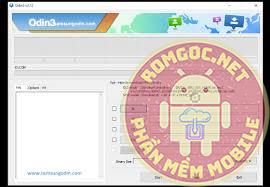
2) Run ODIN, and select firmware files:
* If your firmware contain 1 file only, select it in AP section
* If your firmware contain 4 files, select every file in it’s section, e.g. select BL file in BL section
3) Is much better to enable ‘NAND Erase’ in ODIN > options
* This will prevent future problems like hang on startup logo, but this will erase all user data
* Is better to backupyour data (pictures, contacts,etc…) before using this option
* If you don’t want your User Data like Pictures,Contacts,etc… to be erased, leave this option UnTicked
4) Press Start button in ODIN, and wait until firmware update finish.
DOWNLOAD: